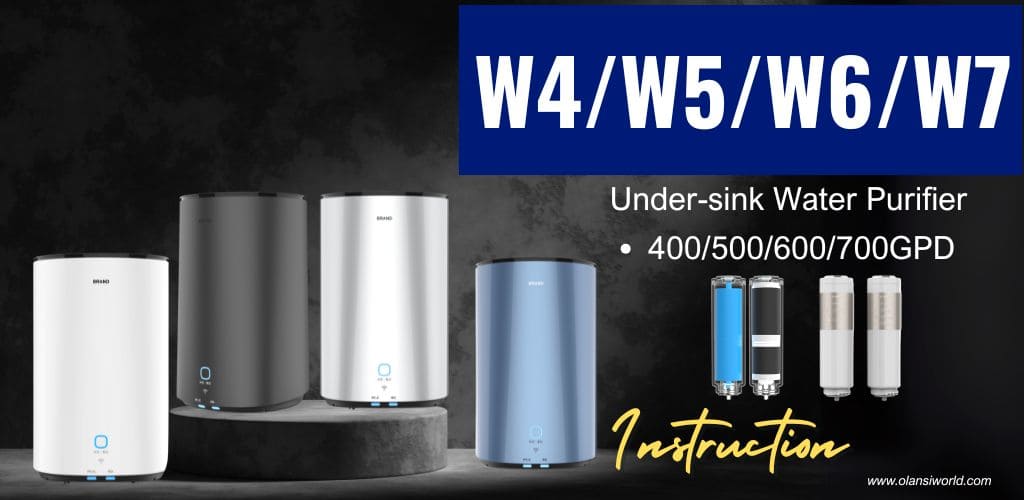
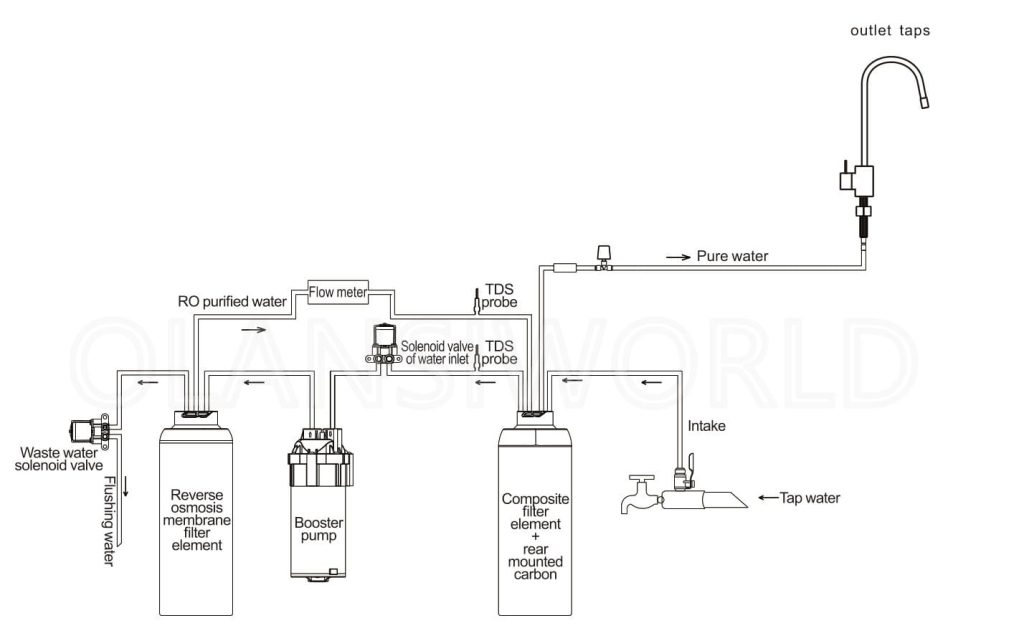
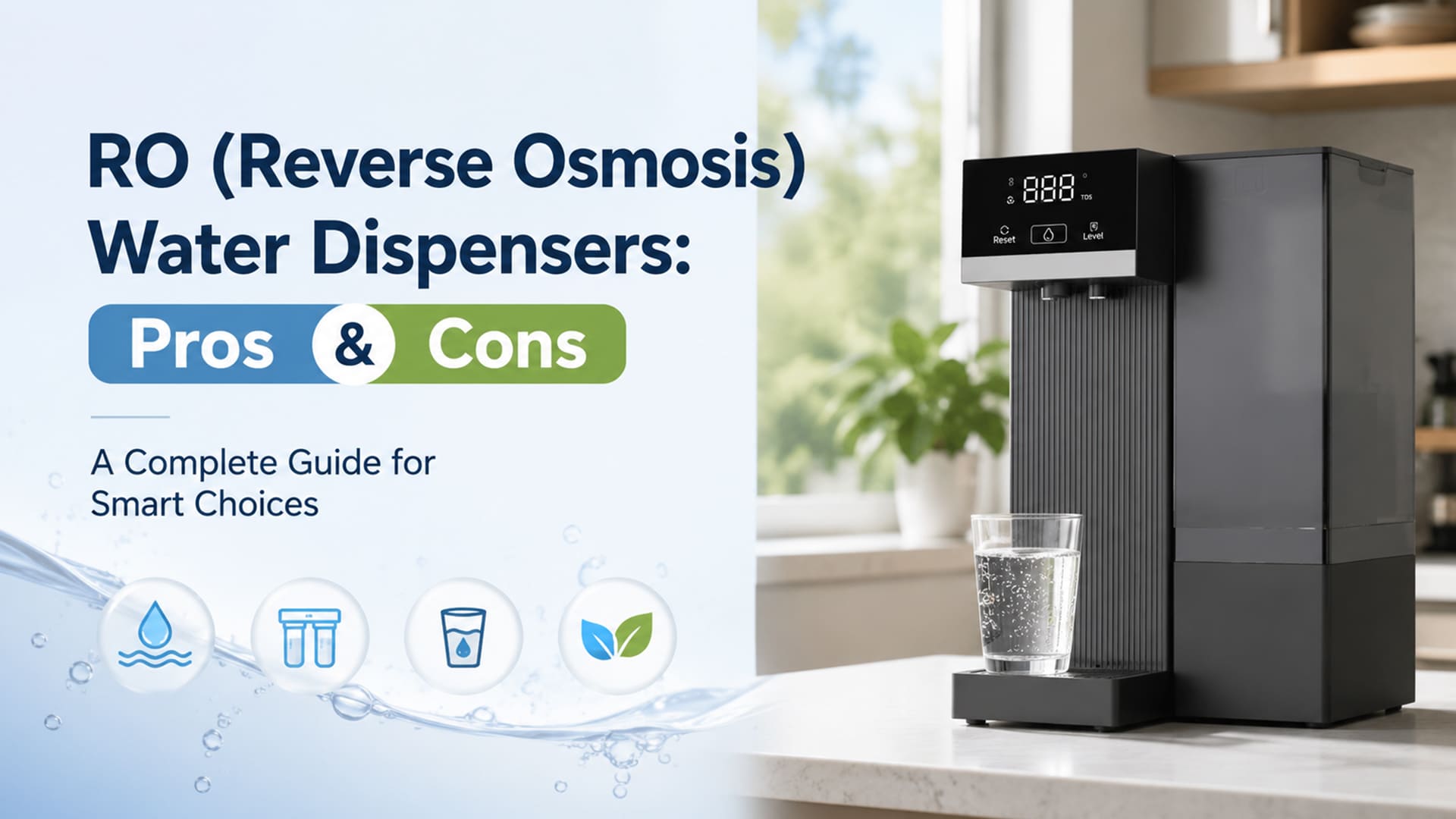
* Reverse osmosis filtration
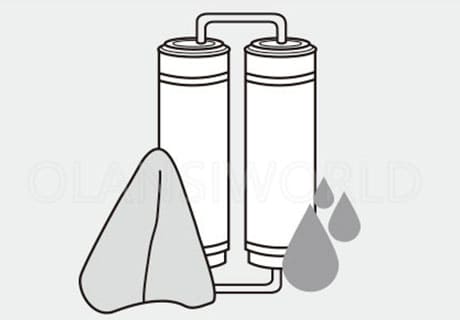
* Three-in-one composite filter element
* 304 stainless steel tap
* Integrated water way plate
* Quiet operation
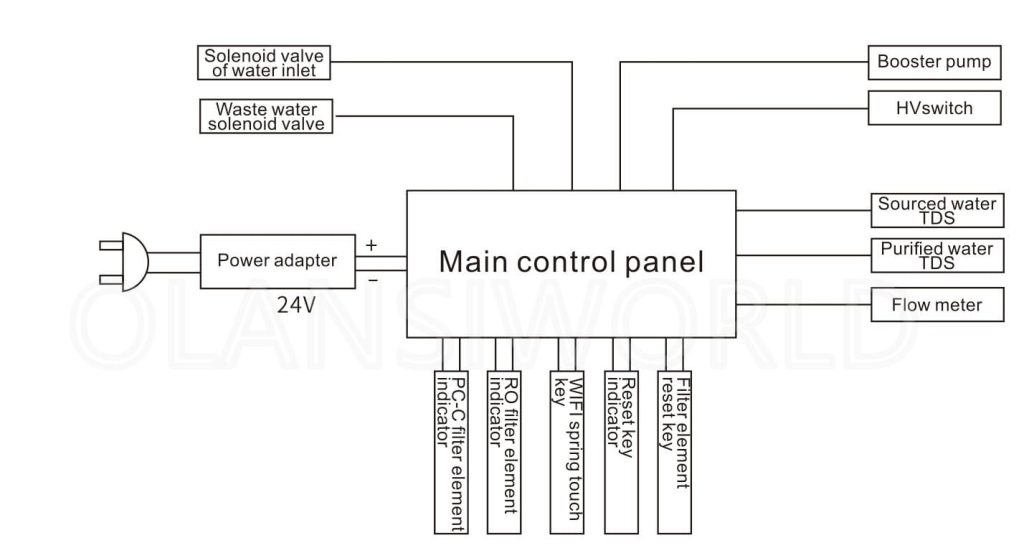
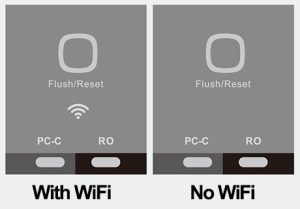
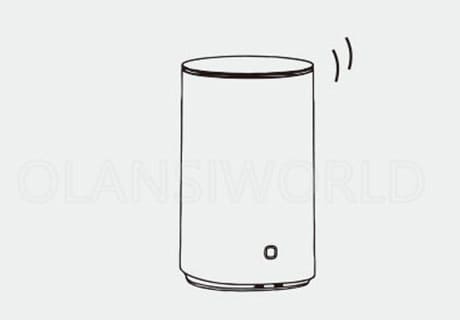
* WiFi or No WiFi
In order to ensure the safety of use and avoid injuries and property losses to you and others, please be sure to observe the following safety precautions. Misuse without observing the safety warnings may lead to accidents.
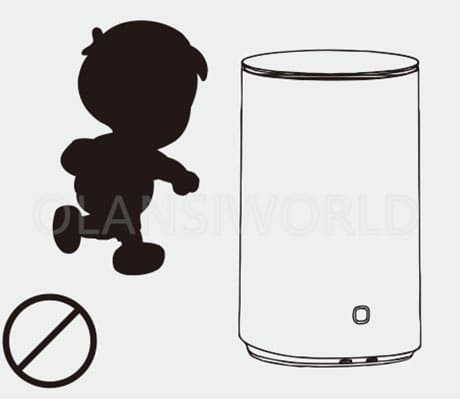
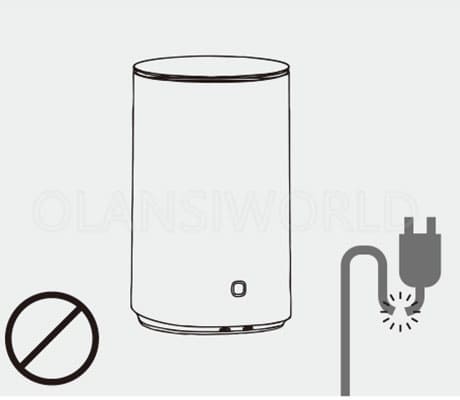
1. For IEC: This appliance is not intended for use by persons (including children) with reduced physical, sensory, or mental capabilities or lack of experience and knowledge unless they have been given supervision or instruction concerning the use of the appliance by a person responsible for their safety. Children should be supervised to ensure that they do not play with the appliance. If the supply cord is damaged, it must be replaced by the manufacturer, its service agent, or similarly qualified persons in order to avoid a hazard.
For EN: This appliance can be used by children aged 8 years and above and persons with reduced physical, sensory, or mental capabilities or lack of experience and knowledge if they have been given supervision or instruction concerning the use of the appliance safely and understand the hazards involved. Children shall not play with the appliance. Cleaning and user maintenance shall not be done by children without supervision.
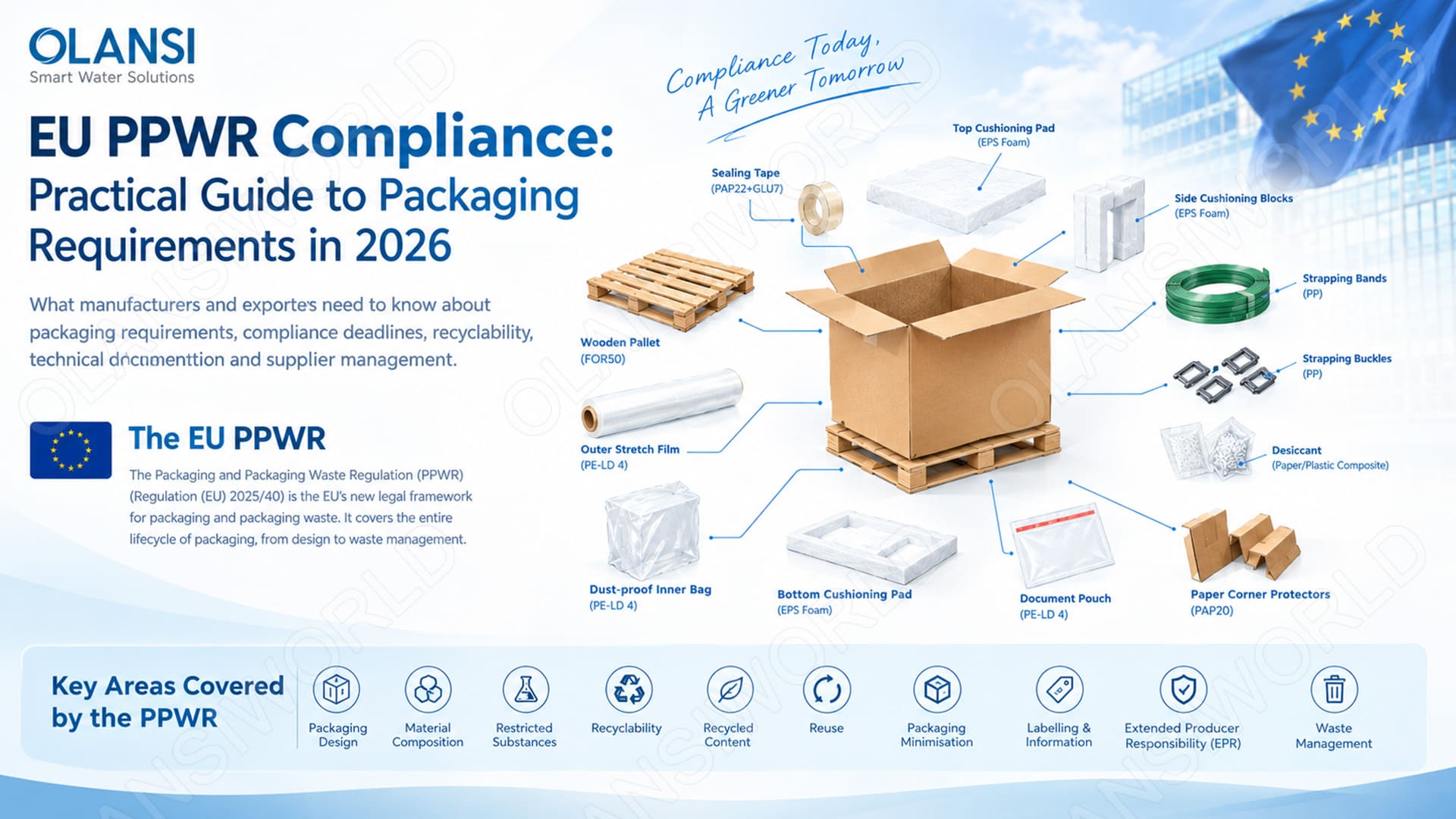
| SN | Abbreviations | Name of Filter Element | Effect | Lifetime | Qty |
|---|---|---|---|---|---|
| 1 | PC-C | PP + Carbon + Carbon Composite Filter Element | Removes sediment, rust, suspended solids, residual chlorine and odor from water; improves water taste | 6–12 months | 1 pc |
| 2 | RO | Reverse Osmosis Membrane Filter Element | Removes bacteria, viruses, organic matter, heavy metals, ions, etc. | 18–36 months | 1 pc |
| Parameter Item | WRO400-W4 | WRO500-W5 | WRO600-W6 |
|---|---|---|---|
| Model No. | WRO400-W4 | WRO500-W5 | WRO600-W6 |
| Water Production Capacity | 400 GPD | 500 GPD | 600 GPD |
| Rated Total Pure Water | 5000 L | 5000 L | 5000 L |
| Rated Voltage | 110V-240V~ | 110V-240V~ | 110V-240V~ |
| Rated Total Power | 64 W | 64 W | 90 W |
| Purified Water Flow | >1.0 L/min | >1.2 L/min | ≥1.5 L/min |
| Working Pressure of RO Membrane | 0.4-0.8 MPa | 0.4-0.8 MPa | 0.4-0.8 MPa |
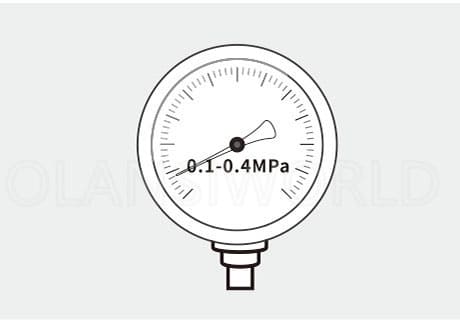
| Inlet Pressure | 0.1-0.4 MPa | 0.1-0.4 MPa | 0.1-0.4 MPa |
| Applicable Water Quality | Municipal Tap Water | Municipal Tap Water | Municipal Tap Water |
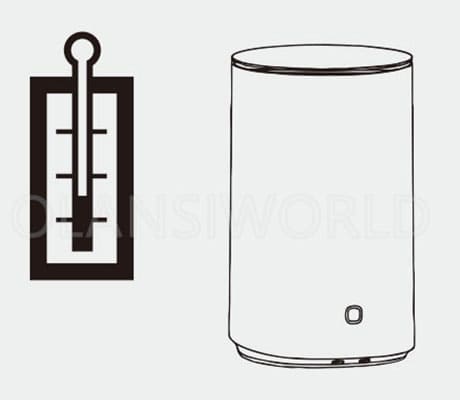
| Applicable Water Temperature | 5°C-38°C | 5°C-38°C | 5°C-38°C |
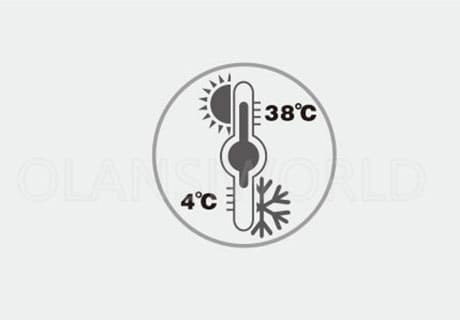
| Environment Temperature for Using | 4°C-40°C | 4°C-40°C | 4°C-40°C |
| Net Weight | 7.84 kg | 7.84 kg | 7.84 kg |
| Product Size | φ240×395 mm | φ240×395 mm | φ240×395 mm |
Special Tips
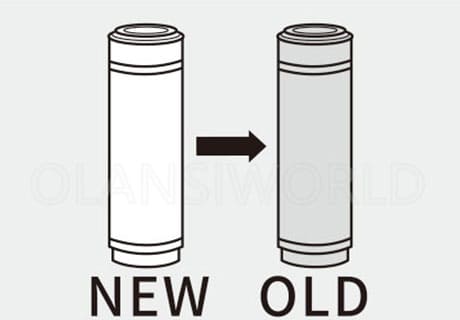
1. The filter element replacement cycle is not a warranty period. It is a recommended maintenance cycle under the conditions that raw water meets national drinking water standards and normal household usage.
2. The replacement cycle is an estimated reference. The actual service life varies depending on the region, water quality, water consumption and seasons.
Only timely and correct filter element replacement can ensure safe and clean drinking water.
Daily maintenance is essential for water purification equipment to prevent malfunctions caused by improper upkeep, avoid risks to drinking water safety, and ensure stable product operation.
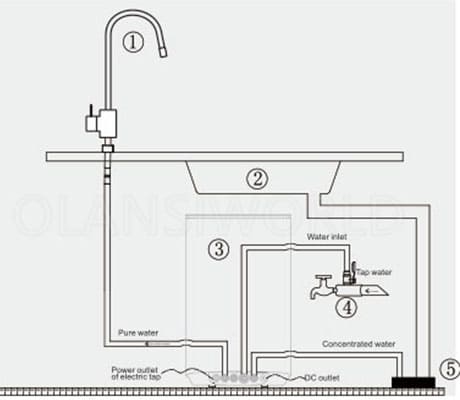
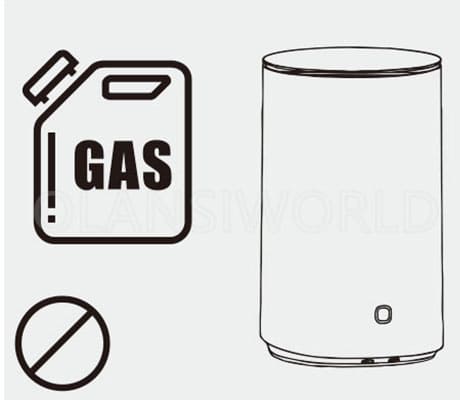
1. Do not use highly volatile solvents (e.g., soap, detergent, gasoline, ethyl alcohol) for cleaning and maintenance, as these may cause cracking, scratching, or discoloration of the product surface.
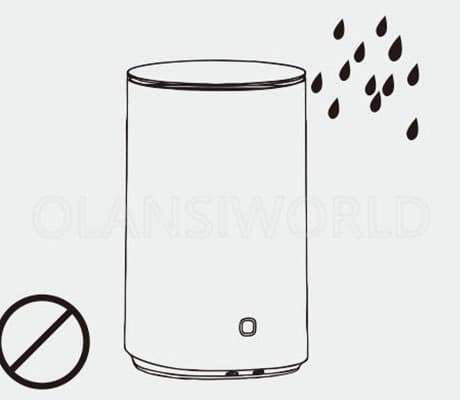
2. Do not clean the purifier by directly spraying water onto it.
3. Regularly check for accumulated water around the product to identify potential water leakage issues.
4. Inspect the product’s outlet tap for signs of leakage.
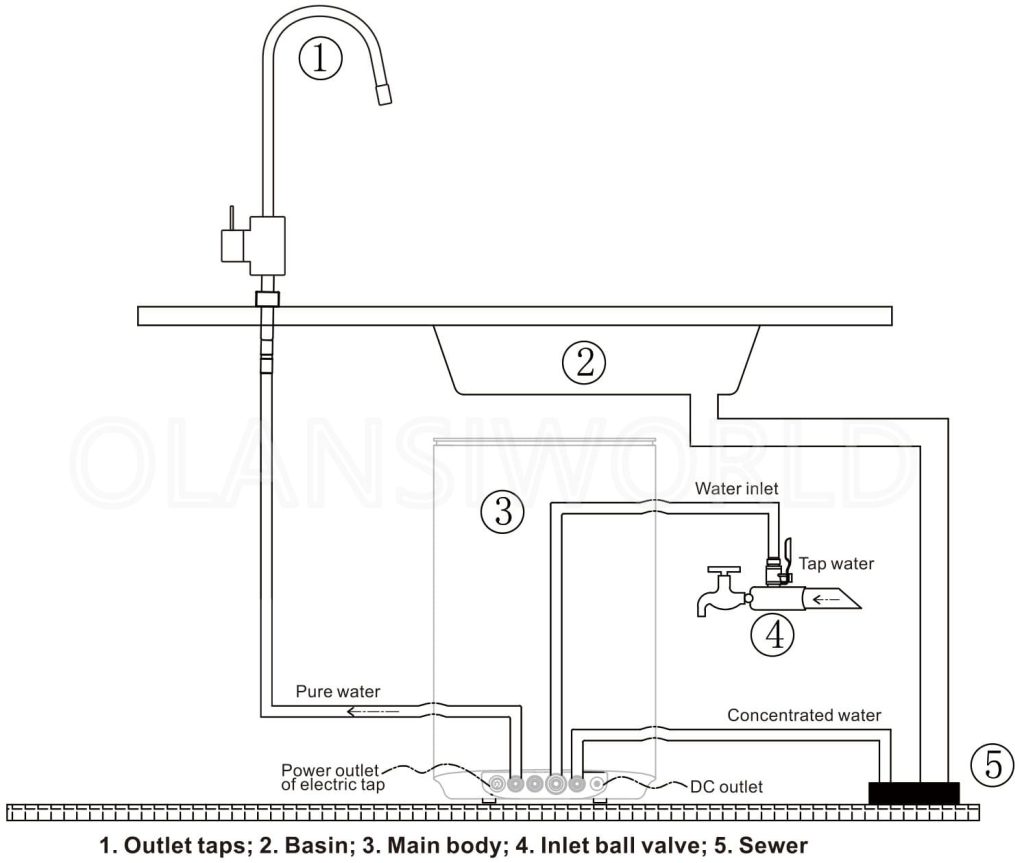
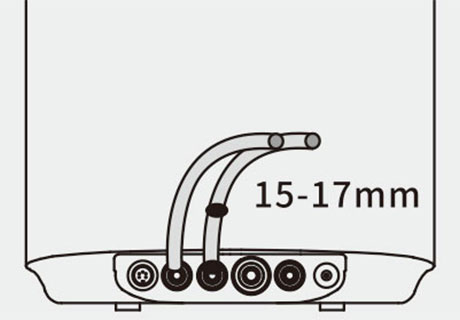
5. Ensure the concentrated water pipe is securely fixed and free from looseness.
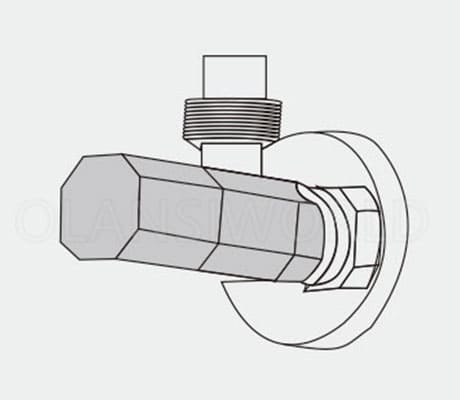
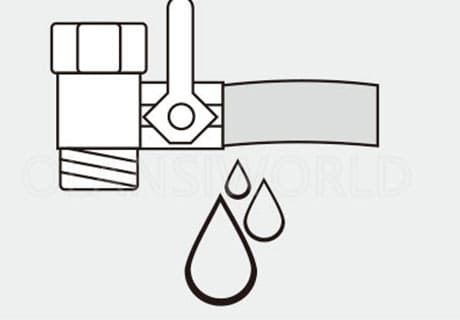
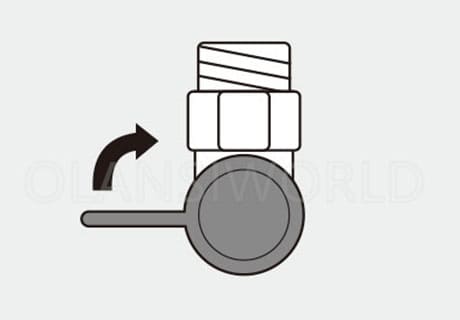
6. Before leaving for an extended period, confirm that the product power supply and water inlet switch (three-way ball valve) are turned off.
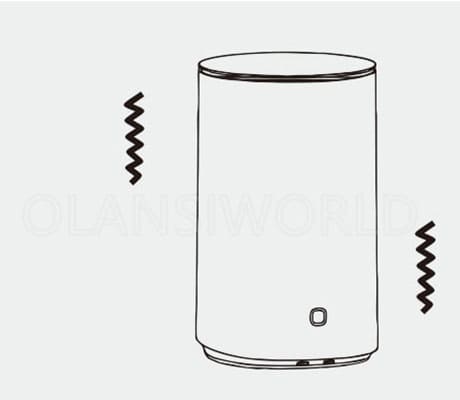
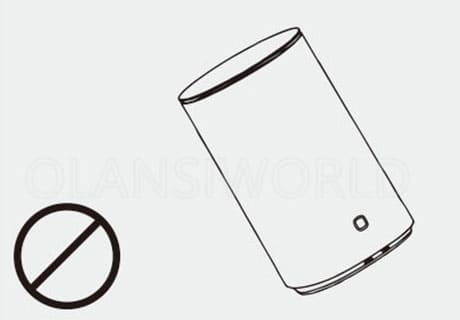
7. Do not place the product sideways, horizontally, or upside down.
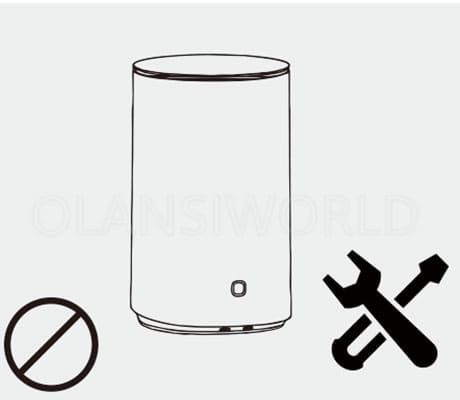
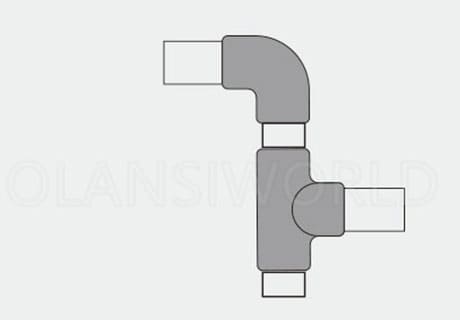
8. Do not modify the product’s joints or pipes without authorization.
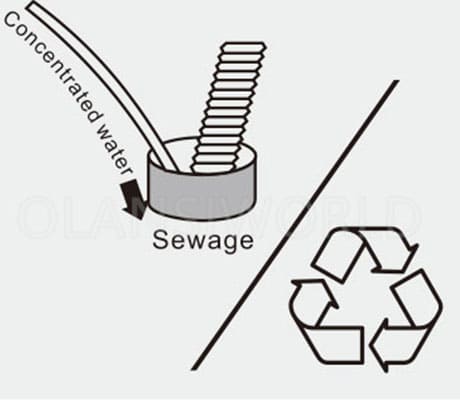
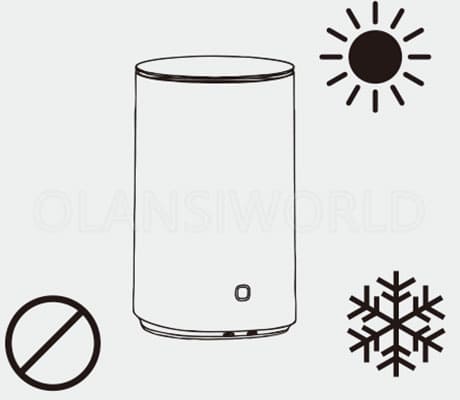
9. Do not store or use the product in environments where the temperature is below 0°C.
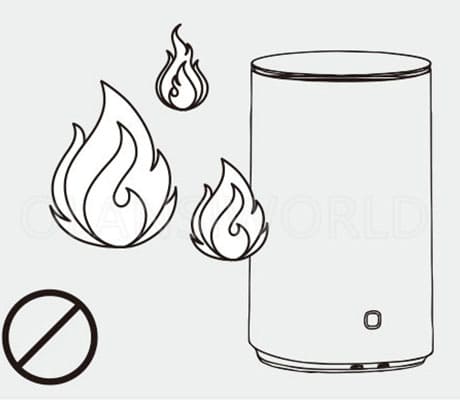
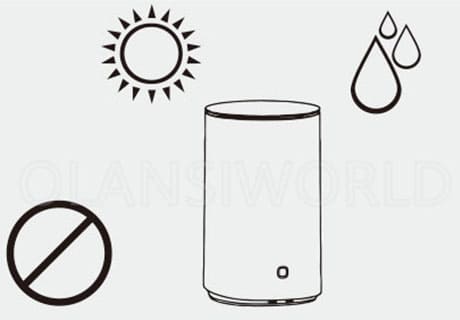
10.Do not expose the product or its pipelines to direct sunlight.
The following guidelines cover the identification and troubleshooting of common issues. If simple troubleshooting fails to resolve the problem, DO NOT disassemble or repair the product by yourself, as this may cause danger or damage to the water purifier.
1. A slight noise generated by the water pump during filtration is normal; you can use the product with confidence.
2. For complex issues encountered during use, please refer to the troubleshooting methods below. If the problem persists, contact your dealer for assistance.
| Phenomena | Possible Reasons | Troubleshooting Methods |
|---|---|---|
| No water output or low water flow | 1. Clogged filter element 2. Low tap water pressure | Cut off the water supply and contact the dealer |
| Filter element indicator flashes | 1. Expired filter element service life 2. The product has entered timeout mode | 1. If the filter element indicator flashes red, the filter element needs to be replaced 2. If the reset button indicator flashes red, the product has entered timeout mode and requires a power restart |
Start-up
Shutdown
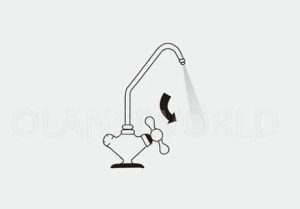
Water taking
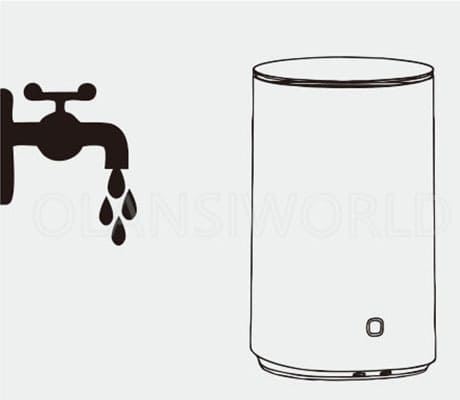
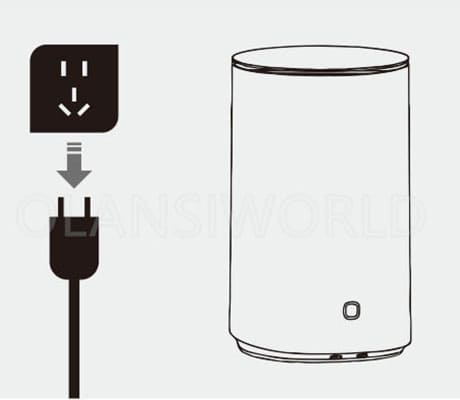
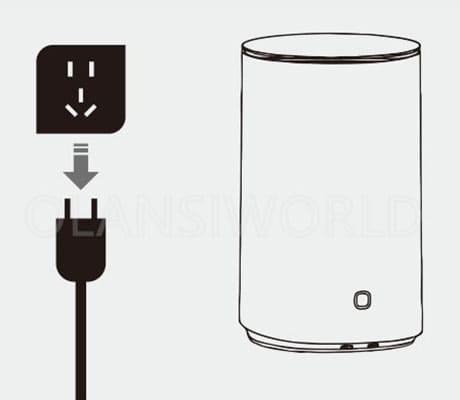
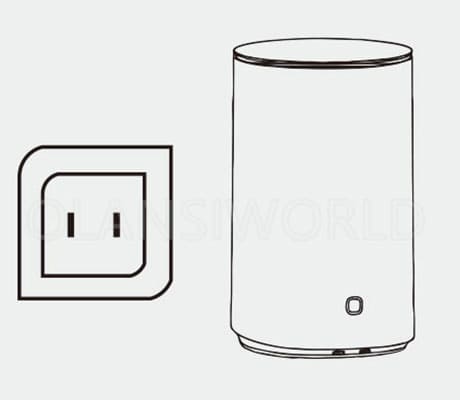
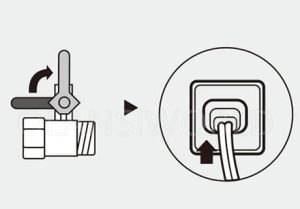
1. Open the inlet ball valve and plug in the power supply to start the machine.
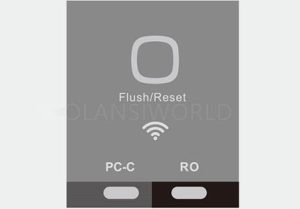
3. Network connection status indicated by WIFI icon:
* Flashing: In the process of connecting to the network
* Slow flashing: Connecting
* Steady on: Successfully connected
Button & Indicator Explanation
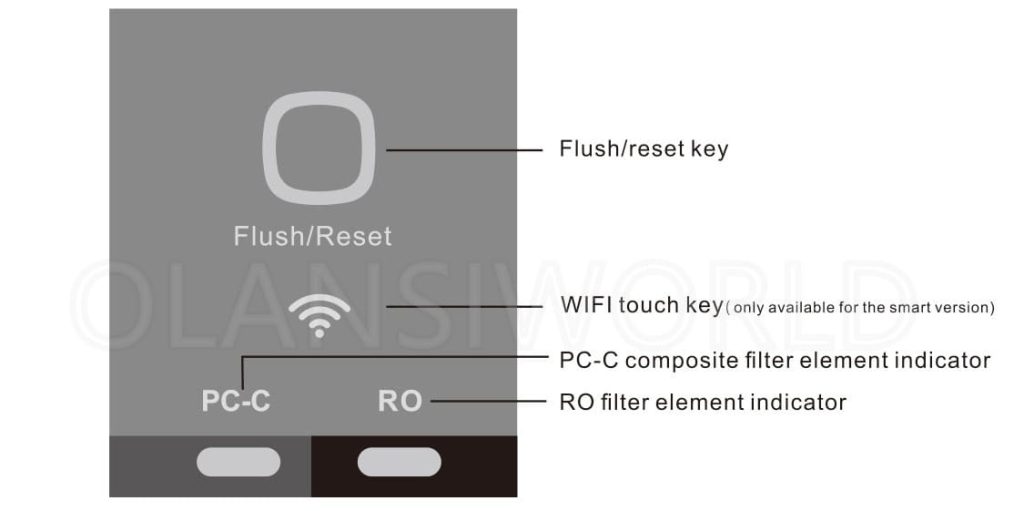
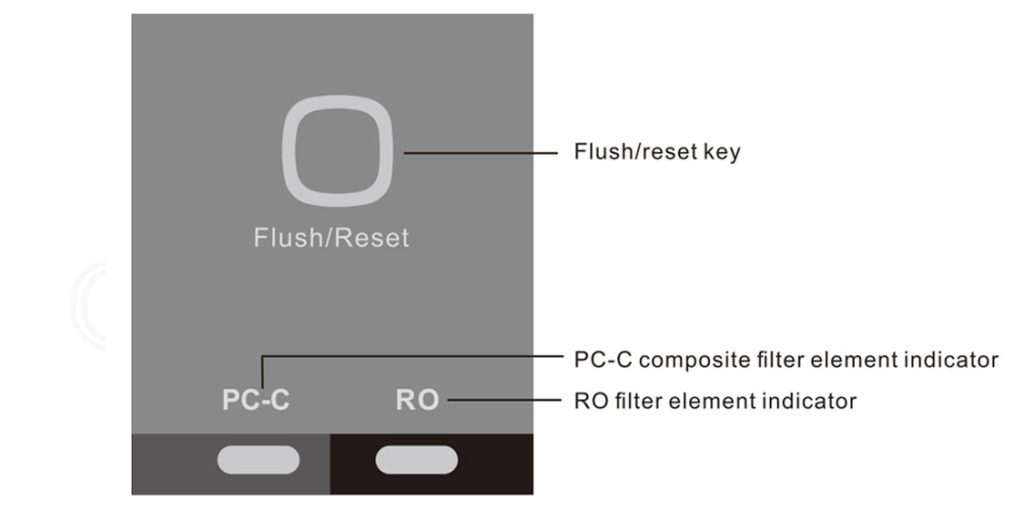
1)Flush/Reset Button (Touch Type)
* This indicator has three colors: blue, orange, and red (priority order: red light > orange light > blue light).
* Standby mode: Blue light stays on.
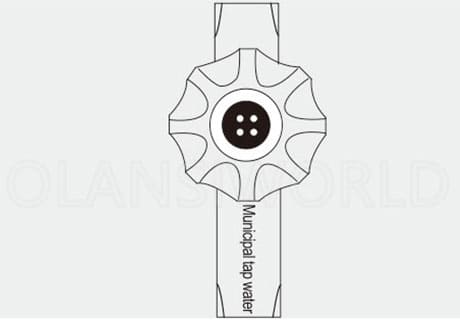
* Water purification in progress: Blue light flashes continuously.
* Automatic flushing in progress: Orange light stays on.
* Manual flushing in progress: Orange light flashes.
* Filter element expired or maintenance required: Red light stays on.
2)WIFI Touch Button
* Press and hold for 3 seconds to enter WIFI quick network configuration mode.
When activated, the two filter element indicators will flash pink at a frequency of 2Hz.
* For detailed network configuration steps, refer to the separate WIFI * Distribution Network Manual.
1. Filter Element Service Life Indicator Guide
Both PC-C and RO filter element indicators use three colors to show service status:
* Blue light: Normal service life
* Orange light: 20% service life remaining
* Red light: Service life expired (replacement required immediately)
2. RO Filter Element Indicator Guide
The RO filter element indicator also features three color statuses to reflect its service life:
* Blue light on: The filter element is within its normal service life.
* Orange light on: 20% of the service life remains (pre-replacement reminder).
* Red light on: The service life has expired (replacement is required immediately).
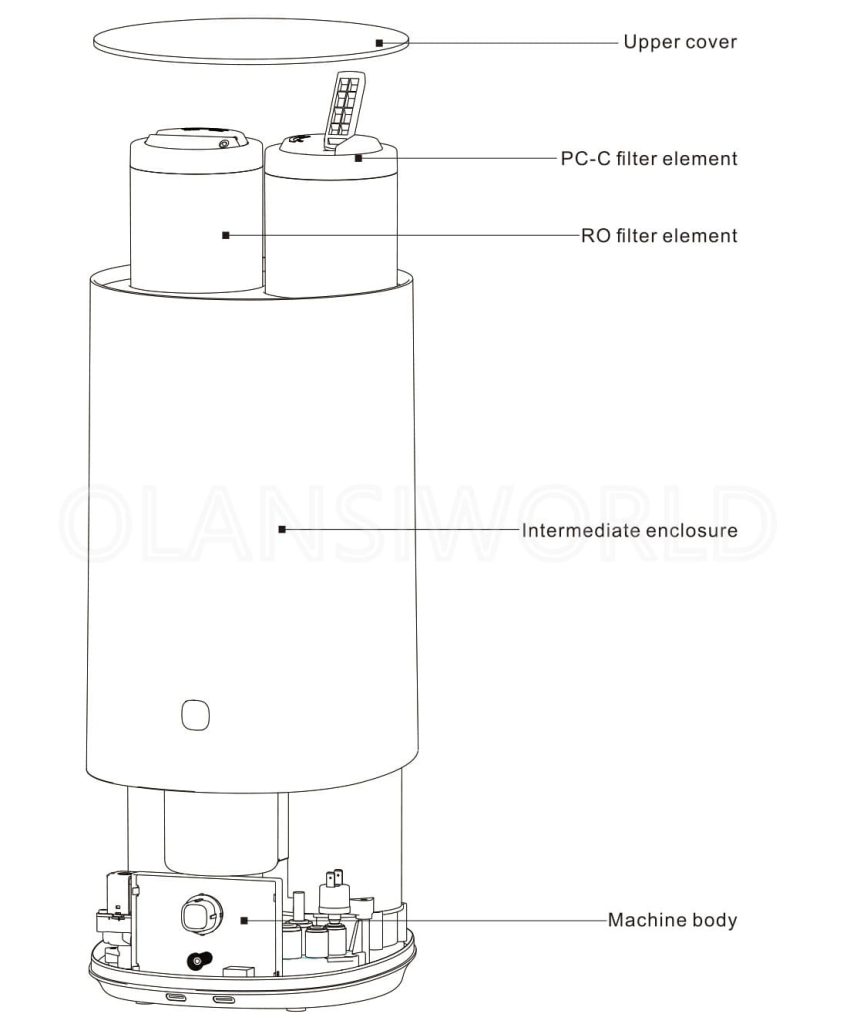
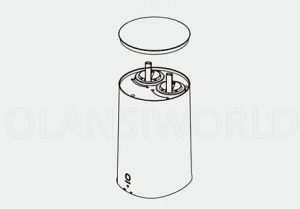
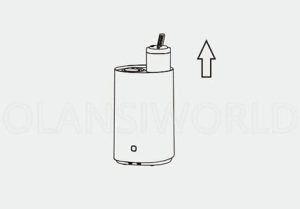
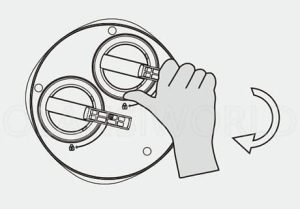
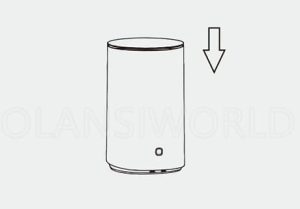
3. Take out the upper cover and pull out the filter element handle.
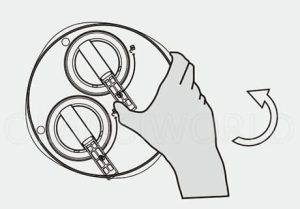
4. Press and hold the end of the filter handle, then pull it toward the unlock direction.
6. Hold the end of the filter handle and push it in the lock direction until you hear a click (indicating the filter element is securely locked in place).
Something isn’t Clear?
Feel free to contact me, and I will be more than happy to answer all of your questions.
Enter you email below, so we can send you this valuable report.